Email just got a major upgrade
One of the best features of ShootAssist is it's ability to automate your client communications. And it just got way better.
Verify your own domain
Up until today, ShootAssist sent emails using Hello@ShootAssist.com with a reply-to set to your studio's info. This is relatively common practice, but has a couple drawbacks. First, as spam filters get more strict, this approach can sometimes cause lower deliverability scores. And, if your client's email provider doesn't support replying to the reply-to address, their replies to hello@shootassist.com would bounce back.
But now, you can verify your own domain which allows ShootAssist to send emails directly from your address. This greatly improves deliverability and will mean all replies go directly to your address. You can set this up here. The process will allow you to register a domain and there will be two DNS records for you to update with your domain registrar. Once verifying those records, things will be ready to roll.
Clean & branded email template
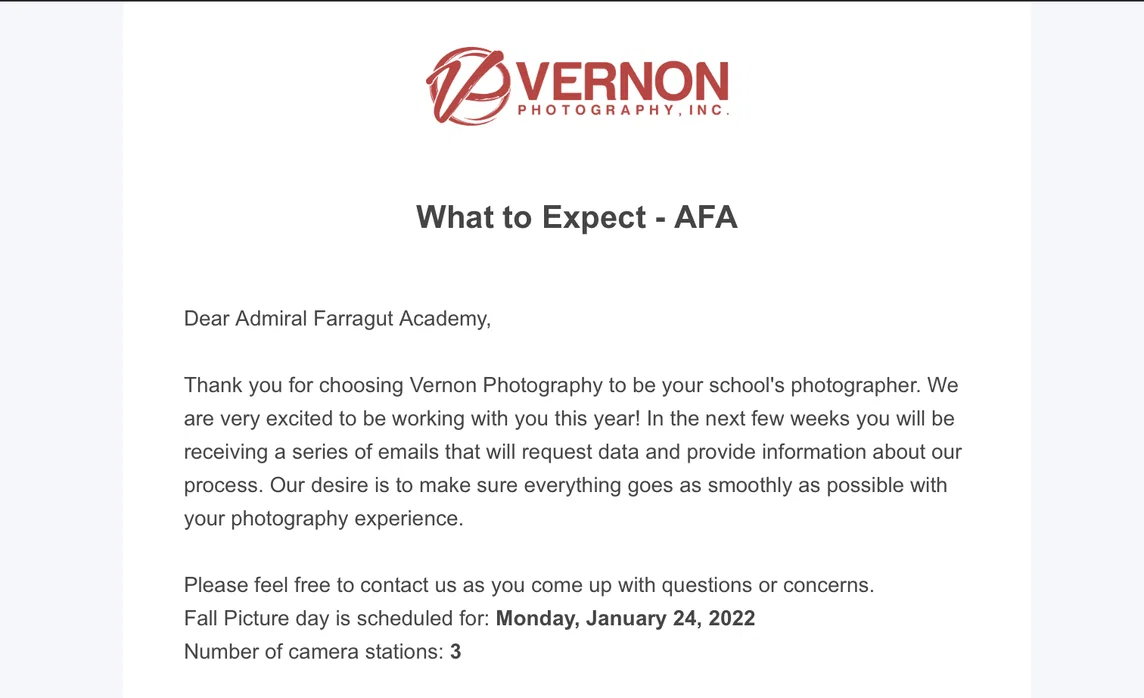
Previously, all of ShootAssist's emails were simply text based. This worked well, but didn't provide much in the way of branding or recognition with your clients. Starting today, all emails sent through ShootAssist arrive in a beautiful email template branded with your logo, company name and address.
You can see what the new template looks like by going to your Job Type settings and sending a test email (more on this below).
More dynamic send dates
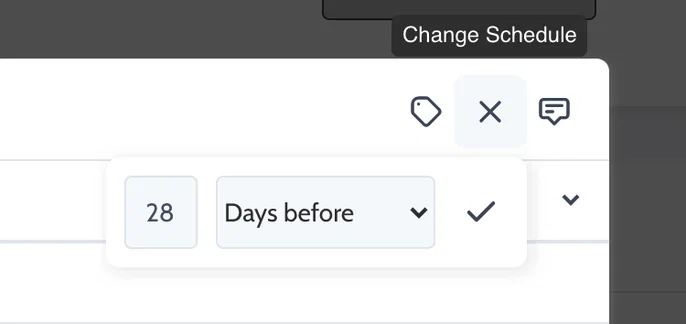
ShootAssist now allows you to simply type a number and then select days before, weeks before, days after or weeks after. No more selecting from a pre-defined list. When you create a job, ShootAssist will automatically schedule the emails based on your selection.
Customize the To: field by contact title
Prior to today, all automated emails sent to the email address on file for the school and you had the option to cc contacts by title. But, you can now address your email directly to a contact by title. (ie Principal, AD etc)
The way this works is that ShootAssist will search for any contacts, associated with a job's client, who have the title you specify. If it finds someone, the email is sent to them. If it doesn't, it will fall back to the client's default email address.
Easily toggle email templates on or off
Have an email you only send to some schools for a particular job type? Or, need to stop emails for any reason? You can now toggle your templates on or off from your Job Type settings. This instantly disables the corresponding emails for any related jobs. Toggle it back on and they instantly resume on whatever schedule you selected. You can also go to jobs and manually send these emails if you simply want more control over who gets them or when they're sent out.

Send yourself test emails / messages
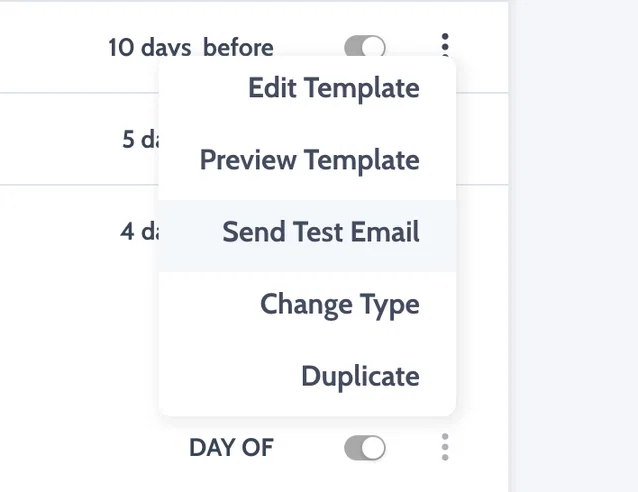
Nobody wants to set up a test client and job just to check their emails. While working on your email templates, click the three dots and send yourself a test at any point. ShootAssist will fill the merge tags with demo data and send the email to your email address so you can check things out.
New merge tokens! (Prepay & Proof links along with an end time token)
Merge tokens allow you to write your templates in preparation for them to be merged with live data about your job or client upon sending. There are quite a few, but it seemed helpful to add a couple more.
We've now added prepay and proof link tokens which have a handy trick up their sleeve. You can save prepay or proof urls to your Clients directly or to your job type. And in the job type settings, you can choose if ShootAssist should reference the client links or the job type links. Upon sending an email with one of these merge tokens, ShootAssist will look where you tell it to pull the info. Super helpful for situations where each client might have a unique ordering url, or where you have one URL that you'll use for all clients with a particular job type.
End time is more self explanatory. There are times where it's helpful to be able to spell out a planned end time and now you can.
In addition, the job date merge token has been updated to accurately represent the dates if a job will take place over more than one day.